NEXUS
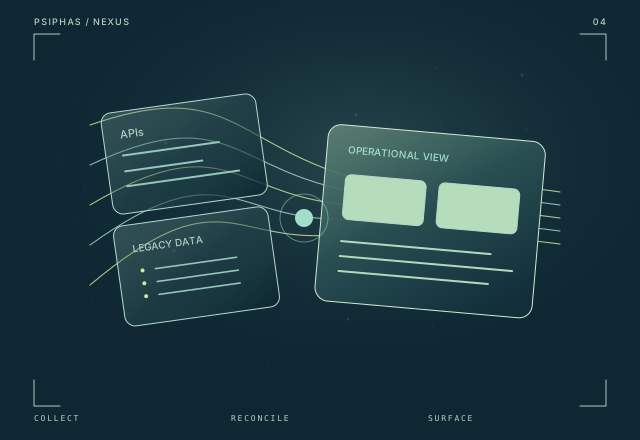
A production enterprise integration platform that brings API, automation, and mainframe data into one reconciled operational view.
Explore NEXUSOperations & legacy integration
An organizational command center connecting shared information, incident visibility, self-service IT, and the legacy workflows behind daily operations.
Project status
Built
Technology stack
Engineering focus
Transport Center brings operational information and actionable workflows into the same place. News, resources, support, incident tracking, and routine IT tasks connect the web interface with the legacy systems still doing essential work.
01 / Context
An operations portal becomes more valuable when it can do more than publish information. Daily organizational work also includes incidents, support needs, account tasks, and workflows that depend on older systems.
02 / The system
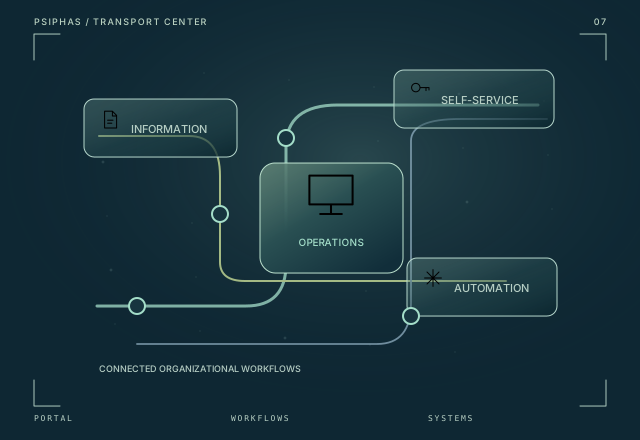
Transport Center connects news, resources, and support with real-time incident tracking and self-service IT. Password resets and account-generation scripts span multiple systems, while Python and IBM macros connect the web application to legacy automation. The portal acts as a shared interface to both information and action.
03 / Capabilities
News, resources, support, and incident tracking share an operational portal.
Password resets and multi-system account-generation tasks are integrated into the application.
Python and IBM macros connect the web interface to the low-level automation behind existing organizational workflows.
04 / System map
This conceptual sequence explains how the project’s main capabilities connect.
Users reach shared information, resources, support, and operational tools.
Self-service and incident workflows organize the task.
Python and IBM macros bridge relevant legacy-system work.
The portal connects the user-facing task with the systems behind it.
05 / Scope & status
A built organizational operations platform.
Continue exploring
A production enterprise integration platform that brings API, automation, and mainframe data into one reconciled operational view.
Explore NEXUS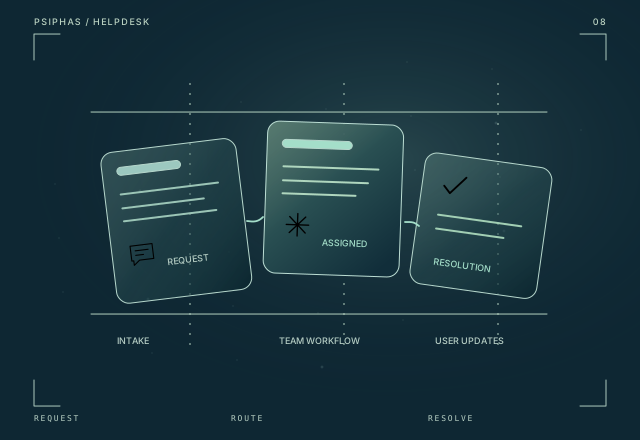
A complete service workflow for support intake, automatic team routing, SLA visibility, and progress communicated to users.
Explore Helpdesk