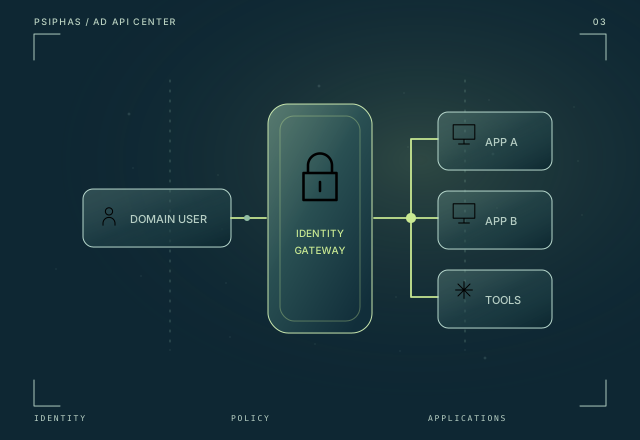
AD API Center
A shared authentication foundation for internal applications, connecting Active Directory identity with origin-bound profiles and application-specific access rules.
Explore AD API CenterEnterprise identity
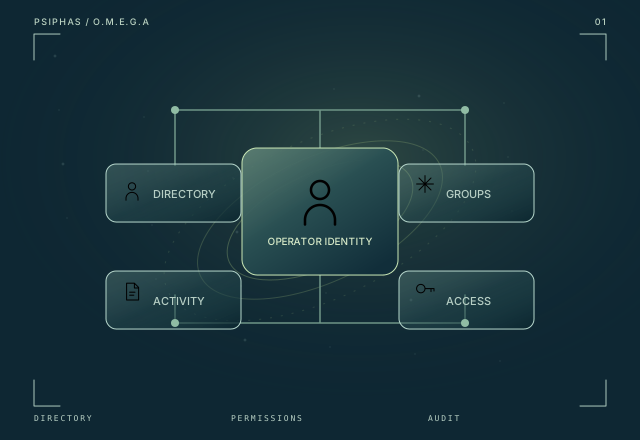
A unified Active Directory workspace for guided administration, operator-based permissions, and traceable enterprise identity operations.
Project status
Built · Internal tool
Technology stack
Engineering focus
O.M.E.G.A brings routine directory work into a consistent interface while running actions under the operator’s own Windows identity. Guided workflows, central audit logs, and read-only reporting connect usability with operational traceability.
01 / Context
Routine Active Directory work can scatter across scripts, administrative consoles, and CSV-based tasks. O.M.E.G.A addresses the workflow around that work: how an operator finds the right action, carries it out in the existing permission context, and keeps the activity visible.
02 / The system
O.M.E.G.A combines identity actions, group and permission management, folder cleanup, and read-only reporting in a guided Windows application. Its distinguishing choice is to execute under the operator’s own Windows identity. Central audit logs connect the action with an operational record, while reporting gives the same workspace a read-only view of directory information.
03 / Capabilities
Identity actions and group management are presented as structured workflows inside a single internal console.
Actions use the operator’s own Windows identity, keeping the existing permission context part of the workflow.
Central activity logs and read-only reports bring operational work and its supporting record into the same system.
04 / System map
This conceptual sequence explains how the project’s main capabilities connect.
The operator selects a guided identity or directory workflow.
The action runs in the operator’s Windows permission context.
The console brings the supported directory operation into one workflow.
Central audit logs and read-only reporting support follow-up.
05 / Scope & status
An internal Windows tool for IT and support teams.
Continue exploring
A shared authentication foundation for internal applications, connecting Active Directory identity with origin-bound profiles and application-specific access rules.
Explore AD API Center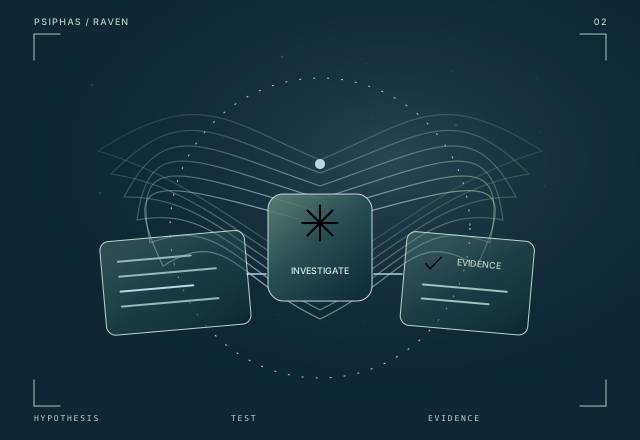
A multi-agent security research engine that connects parallel investigations, target-specific testing, and benchmark evidence.
Explore RAVEN